What “GitHub Games” Means — Quick Definition
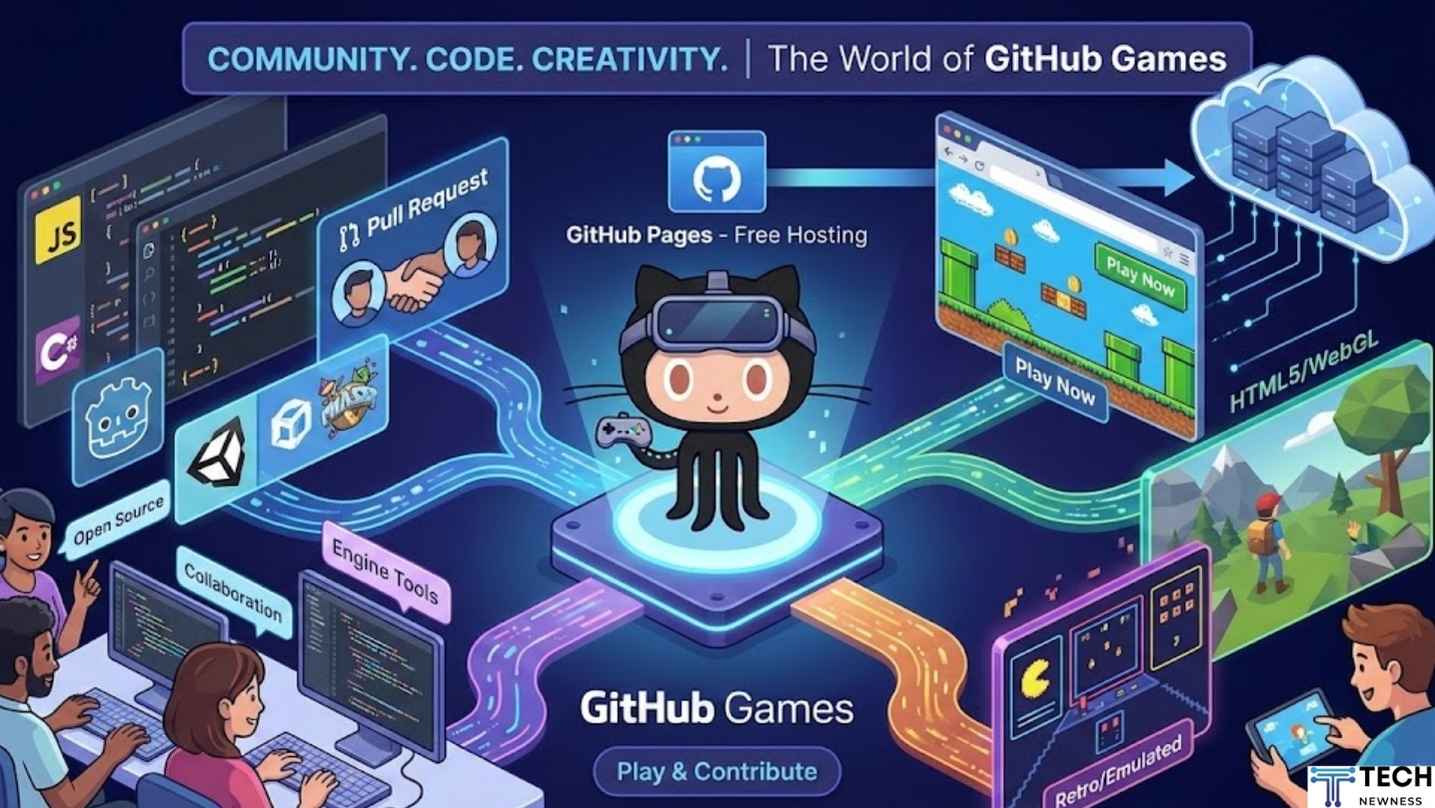
When people say “GitHub games” they usually mean games whose code, assets, or playable demos are hosted on GitHub repositories. That can be anything from a tiny HTML5 puzzle that runs in your browser to a full open-source 3D game or a creative engine built by hobbyists and professionals. Think of GitHub as both a workshop and a showcase — a place where the game is made visible, versioned, and often playable.
Table of Contents
Why Developers Host Games on GitHub
GitHub isn’t just for libraries and APIs — it’s increasingly where games are born and shared. Here are the big reasons game creators use it.
Open Source Collaboration
Open source means anyone can view, suggest improvements, or contribute. For games, this translates to community-made levels, bug fixes, and even entirely new features contributed by fans.
Free Hosting with GitHub Pages
Got an HTML5 game? Drop it into a repo and host it with GitHub Pages for free. That’s gold for indie devs: instant, reliable hosting with a custom URL and no server management.
Portfolio & Learning
New dev? Upload your prototype. Recruiters and players can instantly try your demo. The code acts like living portfolio pieces—far more persuasive than screenshots.
Types of Games You’ll Find on GitHub
GitHub hosts a delightful variety. Here’s how they break down.
Browser-based (HTML5 / WebGL)
These run in your browser. Many are small, experimental, or designed for game jams. They’re easy to demo via GitHub Pages.
Retro/Emulated Games
Repos containing ROMs or emulation front-ends (note: legality varies) or ports of classic gameplay into modern engines.
Engine-based Projects (Unity, Godot, Phaser)
Full projects with scenes, assets, and engine-specific configs. Godot and Phaser projects are popular because they are lightweight and open by default.
Game Tools and Engines
Not a game per se, but engines, level editors, and asset pipelines. Contribute here and you increase the tooling that powers many games.
How to Find the Best Games on GitHub
Hunting for cool games takes a bit of know-how. Here’s how to look like a pro.
Search Tips & Keywords
Use search queries like topic:game, game jam, html5 game, phaser3, or godot within GitHub. Combine keywords with stars (stars:>100) to filter popular projects.
GitHub Topics and Awesome Lists
Look for awesome-games or awesome-game-engine lists — community-curated collections are treasure troves. Many maintainers tag repos with topics like game, html5, unity, godot.
Game Jams & Trending Repos
Game jams (Ludum Dare, js13k) often use GitHub for submission. Search recent jam organizers and explore their participant pages for fresh creative work.
Top Examples & Starter Repositories
Here are repo types to watch for if you’re starting out.
Classic HTML5 Demos
Tiny physics experiments, platformers, and roguelike prototypes that load instantly in your browser — ideal for learning.
Open-Source Game Engines
Look for lightweight engines (Phaser, MelonJS, Godot demos) to learn architecture and shipping patterns.
Notable Full-Game Repositories
Some indie studios and hobbyists release entire games with source code. These are invaluable for studying production-level structure.
How to Play Games Hosted on GitHub
Playing a GitHub-hosted game can be as simple as clicking a link — or running a small local server.
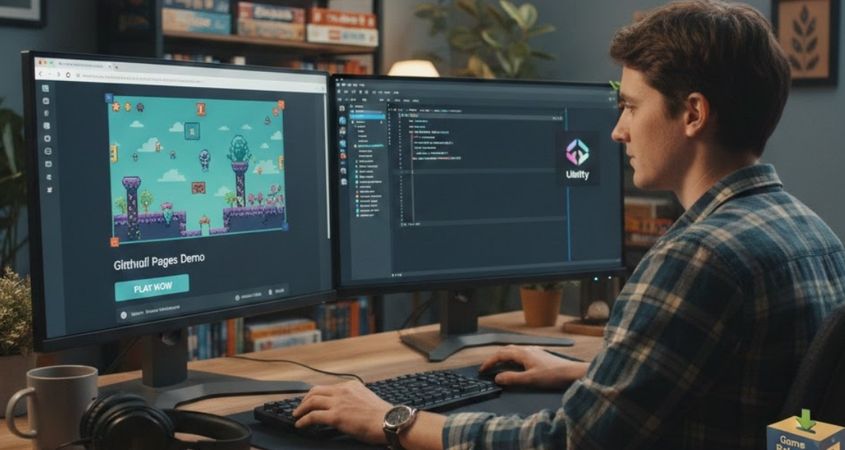
Using GitHub Pages
If a repo includes a GitHub Pages demo link (often in the README), click it — the game runs in the browser. No setup required.
Running Locally (clone → run)
For engine-based projects:
- Clone the repo:
git clone <url> - Follow the README (install engine/editor, dependencies).
- Launch the project in the relevant editor (Godot, Unity, or run
npm startfor web).
Using Releases / Binaries When Available
Some projects contain prebuilt binaries or packaged releases—download and run those if you don’t want to build.
Building and Publishing Your Game to GitHub
Want your game on GitHub? Here’s a practical step-by-step.
Project Setup & Repo Structure
A clean repo helps users and contributors:
README.md(what it is, how to run)docs/(manuals, level design)src/orproject/(source)assets/(images, audio).github/workflows/(CI/CD)
Using GitHub Pages for Web Games
- Build your game into a static folder (e.g.,
dist/). - Push to
gh-pagesbranch or enable Pages frommain/docs/. - Set custom domain if you want a neat URL.
Automating Builds with Actions
GitHub Actions can automatically build and publish your game on push:
- Run tests, build artifacts.
- Deploy to
gh-pages. - Version assets and cache dependencies.
Versioning and Releases
Use semantic versioning, attach release builds (ZIPs, executables), and include changelogs to help players and maintainers.
Contributing to GitHub Games
Want to help? Here’s how you add value without chaos.
Finding Good First Issues
Search for labels like good first issue or help wanted. Maintainers often tag beginner-friendly tasks such as bug fixes, small features, or docs.
Submitting PRs and Design Docs
Fork the repo, implement changes on a branch, and open a Pull Request with a clear description and screenshots or GIFs of your fix.
Translating, Porting, and Packaging
Localizing text, porting a game to another engine, or packaging builds for different platforms are high-value contributions.
Monetization & Licensing for GitHub Games
Open source doesn’t mean “free to monetize” in every sense—license and business choices matter.
Open Source Licenses
Common choices:
- MIT / BSD — permissive; allows commercial use.
- GPL — copyleft; requires derivative works to be open too.
Choose a license based on whether you want others to be able to commercialize your work.
Monetization Strategies
- Donations & Patreon — popular for hobby projects.
- Paid Releases — use GitHub for source, sell binaries elsewhere (ensure license allows this).
- Sponsorships — GitHub Sponsors or corporate sponsorship for larger projects.
Pitfalls & Security Considerations
GitHub is community-driven, so be mindful of risks.
Malicious Code and What to Watch For
Don’t run untrusted executables. For web games, inspect code if something seems suspicious. Avoid running random binaries without checking signatures or reviews.
Performance and Browser Compatibility
Browser games can break on different devices. Test across major browsers and include fallback graphics or low-res modes for slower machines.
Tips to Make Your GitHub Game Discoverable (SEO & Visibility)
People can’t play what they can’t find. Make your repo sing.
Repo README Best Practices
- Clear title and short description.
- How to play (link to demo).
- Installation & contribution guide.
- Screenshots, GIF, or embedded demo.
Demo Pages, Screenshots, and GIFs
A playable demo link, a 10–20s GIF showing gameplay, and high-quality screenshots increase clicks and stars.
Keywords & Topics
Tag your repo with game, html5, phaser, godot, unity, or other engine names. Use those terms in README and repo description.
Why Gamers Should Care About GitHub Games
Maybe you’re not a dev — still worth your time. GitHub is a source of raw creativity. You’ll find quirky experimental mechanics, community-made levels, and remastered classics that never hit stores. Plus, if a game lacks polish, contributing small fixes or translations helps it become something great.
Future Trends — Where GitHub Games Are Headed
Expect growth in:
- Web-native gaming: Faster WebGL and WASM builds bring more complex games to browsers.
- Tooling: More CI/CD workflows tailored for game builds and automatic cross-platform packaging.
- Community-driven IP: Player-driven mods and community content integrated via GitHub workflows.
Conclusion
GitHub games are a unique intersection of creativity, code, and community. Whether you’re a developer sharing a prototype, a player hunting for indie gems, or a contributor wanting to help build something cool, GitHub offers the tools and audience to make games flourish. From tiny HTML5 experiments hosted on GitHub Pages to full engine-based projects and tools, there’s a universe to explore. Keep a keen eye on README quality, demo links, and license terms when trying or contributing — and don’t forget, the next breakout indie hit might be hiding in an unstarred repository right now. Dive in, play, contribute, and maybe publish your own game the next time inspiration strikes.
FAQs

Q1: Can I legally play any game I find on GitHub?
A1: Most games on GitHub are fine to play, especially browser demos and projects with permissive licenses. However, be cautious with repos containing binary executables or ROMs — check the license and repository description. Never run untrusted binaries without vetting.
Q2: How do I host my HTML5 game on GitHub Pages?
A2: Build your game into a static folder (like dist/), commit it, and enable GitHub Pages in repository settings or push the contents to a gh-pages branch. Update README.md with the demo link.
Q3: Which license should I pick for my game repo?
A3: If you want maximum flexibility and commercial freedom, choose a permissive license like MIT. If you want derivatives to remain open-source, GPL is the copyleft option. Consider consulting a lawyer for complex monetization plans.
Q4: Are there any tools to automate building and deploying games from GitHub?
A4: Yes — GitHub Actions can run builds, tests, and deploy to GitHub Pages or other services when you push code. Many boilerplates exist for common engines.
Q5: How can I contribute to a game if I’m not a programmer?
A5: Non-coders are invaluable: translate text, design levels, create art, test across devices, write documentation, or manage community tasks. Look for help wanted and good first issue labels.
See Also: The Pizza Edition Github Open Source Project: An Ultimate Guide